Key takeaways
- Use strong, unique passwords and two-step login.
- Keep software updated and remove what you do not use.
- Keep backups off the server, and test that you can restore them.
Why sites get hacked
Most attacks use weak passwords, outdated software or unsafe plugins. They are often automated, so small sites are targets too.
Use strong logins
Use long, unique passwords and a password manager. Turn on two-step login for your site admin and your hosting account.
Keep everything updated
Update your website platform, themes and plugins. Delete those you no longer use.
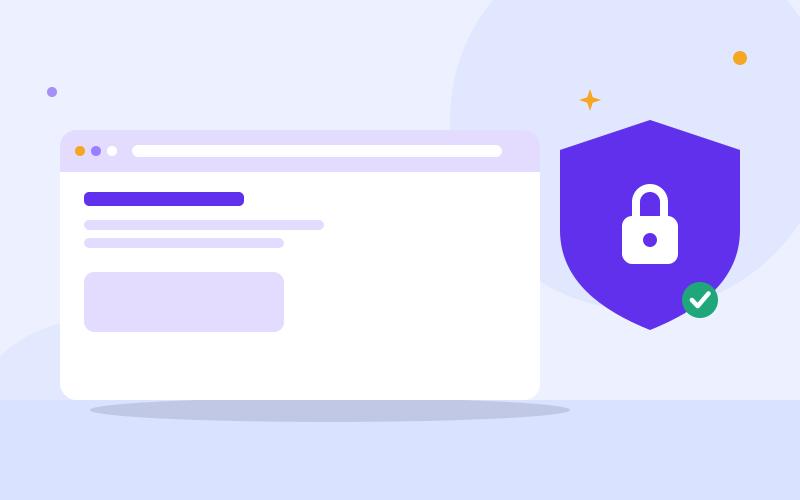
Use HTTPS
Your site should load with the padlock. It protects visitors and builds trust.
Back up regularly
Keep automatic backups of your files and database, stored away from the server. A backup you have never tested may not work, so practise restoring it.
Limit who has access
Give people only the access they need and remove it when they leave. Do not share one login among many people.
If your site is hacked
- Change all passwords.
- Contact your host.
- Restore a clean backup, or have a developer clean it.
- Find out how it got in so it does not happen again.
Frequently asked questions
How often should I back up my website?
As often as the site changes. Busy sites may need daily backups.
Do small websites get hacked?
Yes. Attacks are often automated and do not choose by size.
Is a free SSL certificate enough?
It gives you HTTPS, which is important, but you still need updates, strong logins and backups.

We repair laptops and build websites and business systems. Have a question this guide did not answer? Message us.
This guide is general advice. Every device and business is different, so if you are unsure, ask a technician before you act.