Key takeaways
- Write down the stop code or take a photo of the screen.
- Recent drivers, updates and new hardware are the first things to undo.
- Repeated blue screens can point to failing memory or a failing drive, so back up your files.
What a blue screen is
When Windows meets a fault it cannot safely recover from, it stops and shows a blue screen with a stop code. It then restarts. One blue screen may be a one-off. Repeated ones need attention.
Note the stop code
Take a photo of the screen. The stop code, written in capital letters such as a message about memory management or a critical process, helps identify the cause when you search or tell a technician.
Think about what changed
If the problem began after a Windows update, a driver, a new program or new hardware, undo that change first. Uninstall the program, roll back the driver or remove the new device.
Start in Safe Mode
If the laptop blue screens at startup, restart and interrupt the boot a few times to reach the recovery options, then choose Safe Mode. From Safe Mode you can uninstall drivers and programs and run scans.
Check memory and the drive
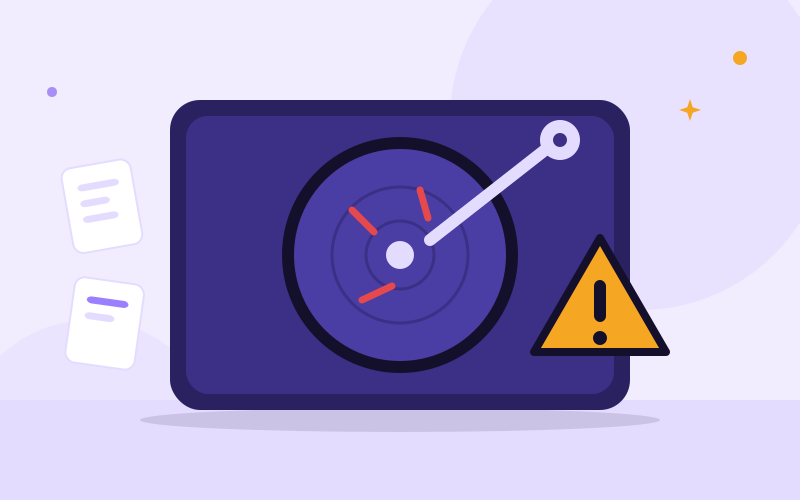
Run the Windows Memory Diagnostic to test the memory. Check the drive for errors, and look at the warning signs of a failing drive. Memory and drive faults are common causes of repeated blue screens.
Check heat and malware
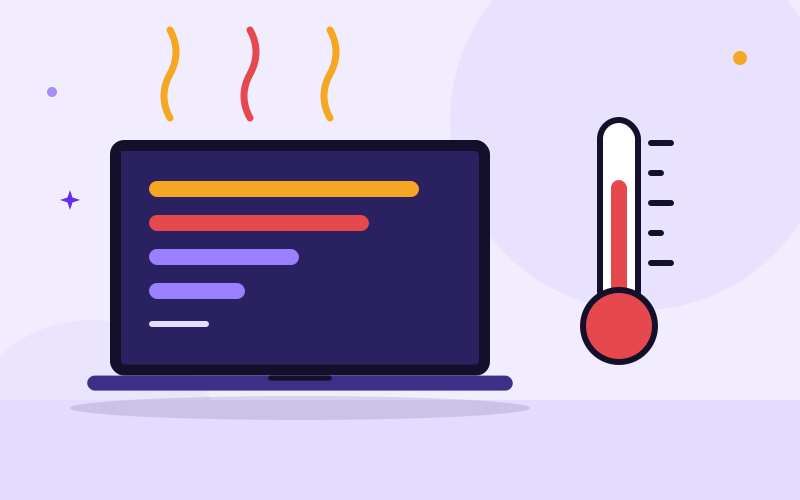
Overheating can crash a laptop under load, so check the fan and vents. Run a full scan with Windows Security to rule out malware.
Use System Restore or reset
If you cannot find the cause, System Restore can return Windows to an earlier working point. Resetting Windows is a last step, and you should back up your files first.
When to bring it in
Bring the laptop in if the blue screens repeat, if they appear with clicking noises or if Windows will not start. Back up first if you can.
Frequently asked questions
Is the blue screen of death dangerous?
It is Windows protecting your system, but repeated blue screens can mean failing hardware and a risk to your files.
Can a blue screen be fixed without reinstalling Windows?
Often yes. Rolling back a driver or update, repairing system files or replacing a faulty part usually fixes it.
What causes a blue screen?
Faulty drivers, failing memory, a failing drive, overheating, malware and bad updates are the common causes.

We repair laptops and build websites and business systems. Have a question this guide did not answer? Message us.
This guide is general advice. Every device and business is different, so if you are unsure, ask a technician before you act.